Project Overview
Build a local-first workflow
The goal is to save important AI answers outside chat history.
Keeping everything on your device maintains privacy while ideas stay searchable.- Private and secure
- Fast local search
- Export anytime
OutlineSave helps you jump through long AI conversations, mark important answers, and export private offline HTML pages with search, filters, highlights, and notes.
7-day Pro trial · 14-day refund · One-time payment · No subscription
Project Overview
The goal is to save important AI answers outside chat history.
Keeping everything on your device maintains privacy while ideas stay searchable.Great summary of the core value proposition.
Project Overview
AI conversations get long.
Useful answers disappear in the middle.
Browser history is not a knowledge system.
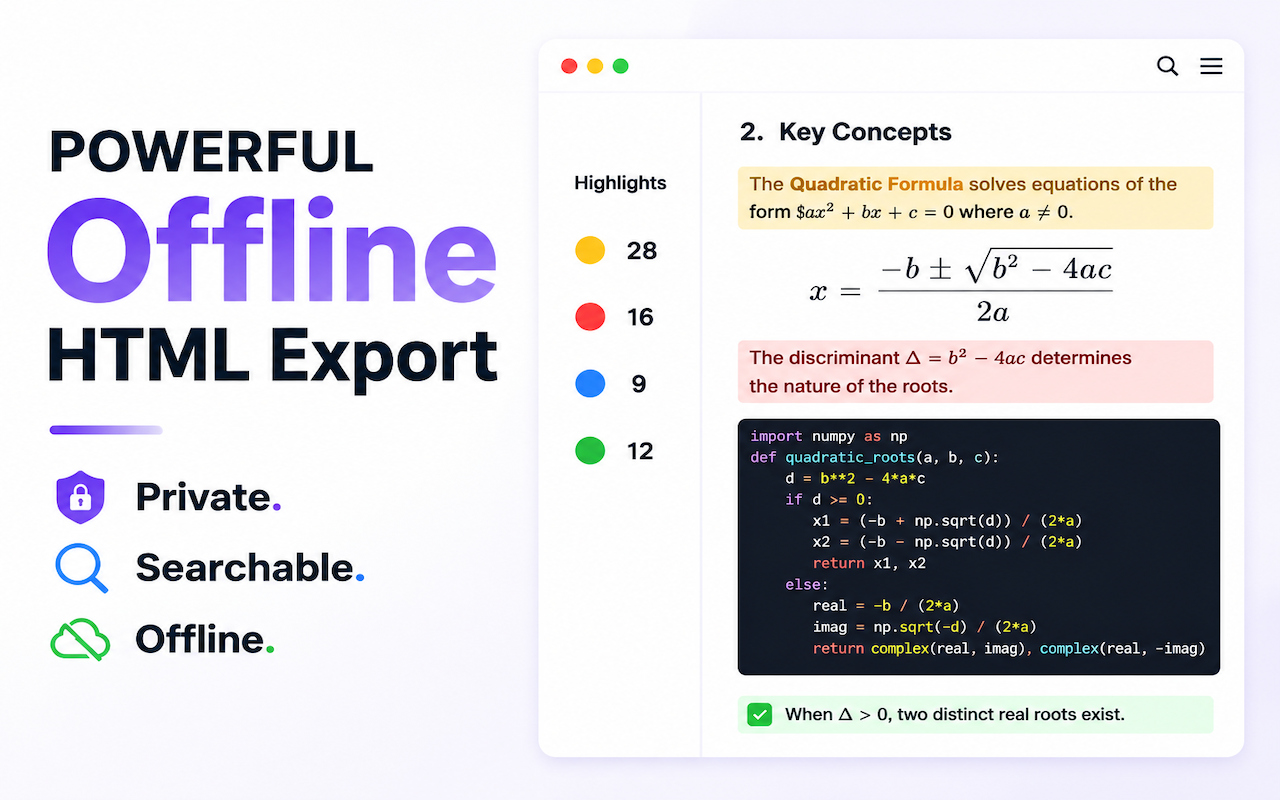
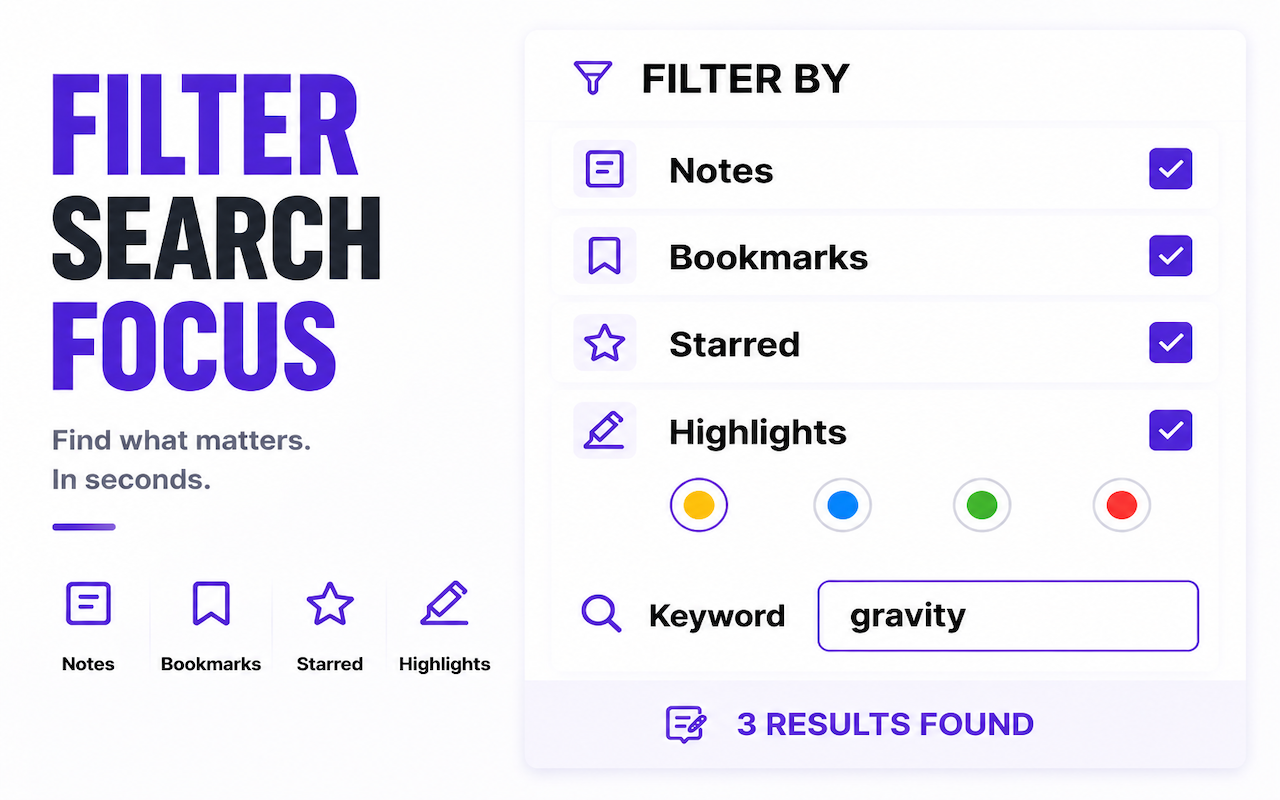
Pro focuses on one result: searchable, filterable, long-lived HTML pages for the AI work you want to keep.
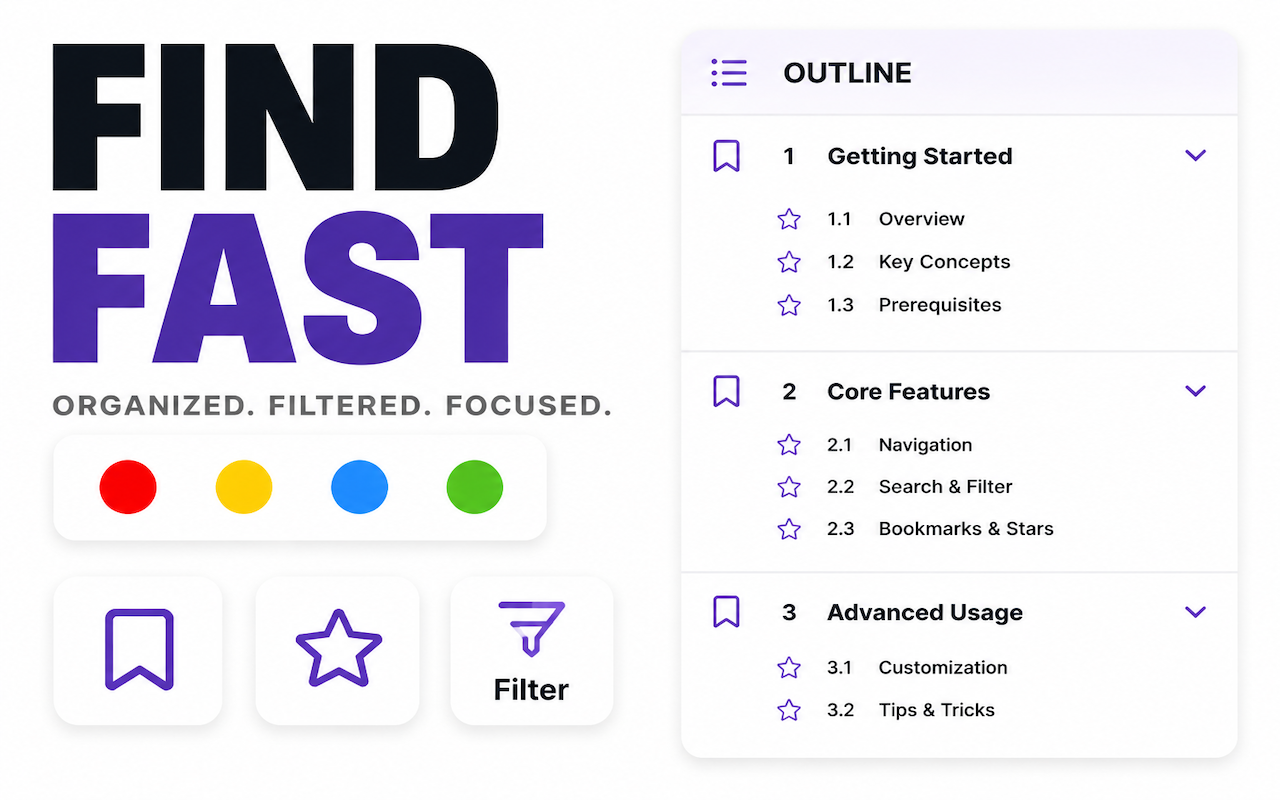
Use the automatic outline and local search to jump to the answer you need without rescrolling the whole conversation.
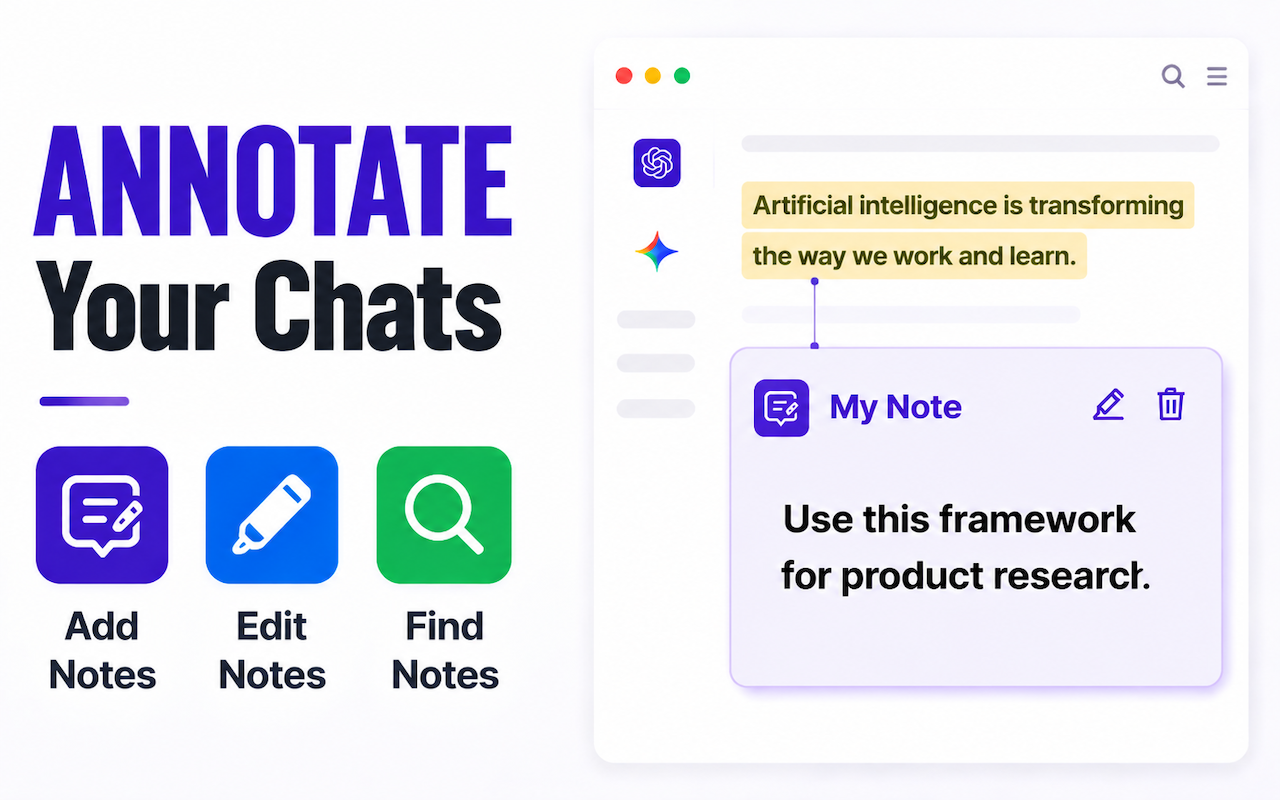
Keep highlights, notes, bookmarks, and starred items attached to the parts of the chat that deserve review.
Create private offline HTML pages with preserved structure, search, filters, and readable formatting.
Upgrade to Pro to save long ChatGPT and Gemini conversations as searchable offline HTML knowledge pages.
For regular AI work review
$24.99
Valid for 1 year · Manual renewal · No auto-renewal
Best for long-term AI knowledge building
Only $15 more than 1-Year
Support a local-first independent product.
The screenshots below use English UI examples and focus on the four Pro outcomes.
Chat content is processed in your browser. Wisteria does not upload or analyze your conversations.
You receive an activation code by email after purchase. Enter it in the extension to unlock Pro.
All purchases are covered by a 14-day refund policy, with support available by email.
No. ChatGPT and Gemini page content is processed locally in your browser and is not uploaded to Wisteria servers.
No. Both Pro plans are one-time payments. The 1-Year plan expires after a year; Lifetime does not require renewal.
You receive an activation code by email. Enter it in the extension to activate Pro access.
Free lets you try the core workflow. Pro unlocks unlimited searchable HTML exports, filters, offline review, and priority support.
Yes. Purchases are covered by a 14-day refund policy. See the refund policy for details.
WeChat Pay can complete asynchronously. Please allow about 15 minutes for payment sync and about 20 minutes for the activation email before contacting support.